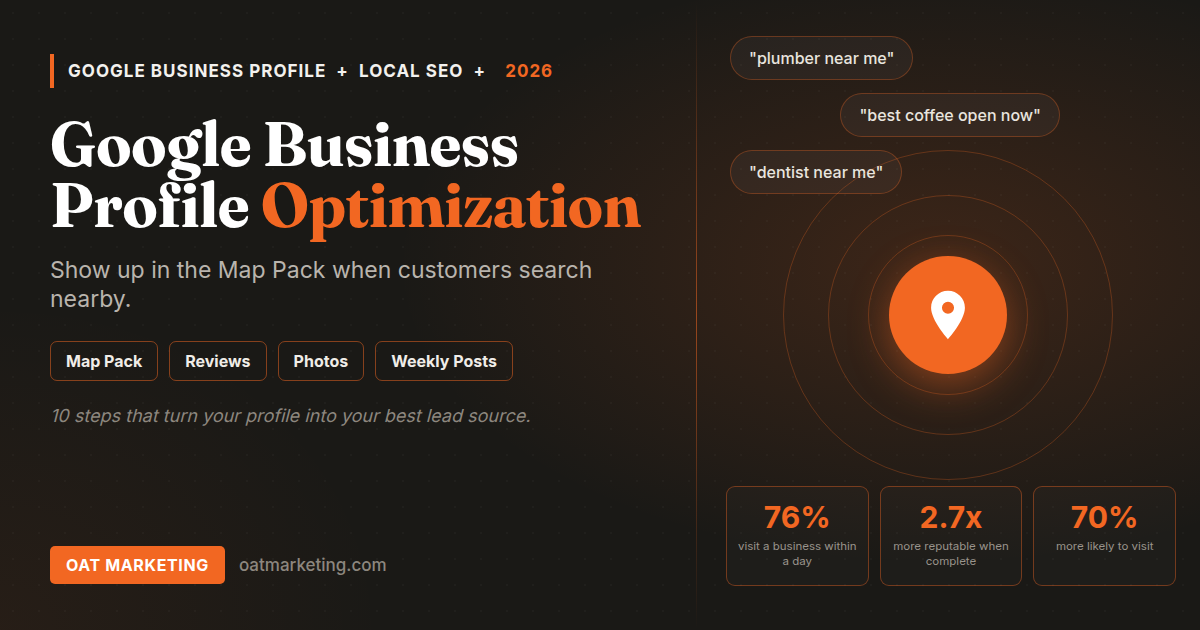
Your Google Business Profile is the most powerful free marketing tool available to any local business in 2026. Optimized correctly, it puts you in the Google Map Pack, AI Overviews, and "near me" results before a customer ever reaches your website. Most businesses have a profile. Very few use it the way Google rewards. This step-by-step guide closes that gap.
Think of your Google Business Profile not as a listing but as a landing page that Google controls. When someone searches for your business, or for a business like yours nearby, your profile is often the first thing they see, and sometimes the only thing. How complete and active that profile is decides whether they call you, get directions to you, or scroll past to a competitor whose profile simply looks more trustworthy.
Why Most Google Business Profiles Are Underperforming
The majority of local business owners treat their profile as a one-time setup task. They claim the listing, add the basic information, and never return to it. The problem is that Google treats your Business Profile much like it treats a website. Active profiles with recent content and engagement tend to rank ahead of stale ones.
Beyond ranking, an incomplete or outdated profile actively loses you customers. Wrong hours mean missed visits. No photos mean customers choose the competitor whose space they can actually see. No responses to reviews suggest you are not paying attention. Every gap in your profile is a reason for someone to choose somebody else.
The 2026 shift: Google's AI now reads your Business Profile to build the summaries that appear in AI Overviews and voice results. An incomplete or inaccurate profile does not just hurt your ranking. It can lead AI systems to describe your business incorrectly, or to leave you out of the answer entirely.
Complete Google Business Profile Optimization: Step by Step
Section 1: Core Business Information
Business name, category, and description
Your business name should match exactly what appears on your signage. Do not add keywords to the name, as Google treats this as spam and can suspend your listing. Choose your primary category carefully, since it is the single most important signal for local ranking, then add relevant secondary categories. Use the description to give 750 characters of specific, genuine detail: where you are, what you specialize in, and the type of customer you serve best.
Address, service area, and contact details
Make sure your address matches exactly what appears on your website and other directories, down to the abbreviations. If you serve customers at their location rather than a storefront, such as a mobile or delivery business, set a service area instead of a physical address. Add your primary phone number, website URL, and any booking or appointment link. These details show prominently to anyone searching for you.
Hours, including special and holiday hours
Incorrect hours are one of the most damaging mistakes a local business can make. Set your regular hours accurately and update special hours for every holiday, event, or temporary closure before it happens. When holiday hours are missing, Google shows a "Hours might differ" note on your listing, which chips away at customer confidence at exactly the wrong moment.
Section 2: Visual Content
Photos: quality and regularity
Photos are one of the clearest trust signals on your profile, and they need a steady upload rhythm rather than a one-time dump. Add several new photos every month. Include exterior shots so customers recognize your location, interior shots so they know what to expect, product or service shots taken in good natural light, and a few team photos to humanize your brand. Use your own real photography, never stock images.
Cover photo and logo
Your cover photo is the first image many customers see, so use your most striking one: a signature product, your best interior angle, or your space during a busy, vibrant moment. Your logo appears as your profile icon, so it needs to stay clean and readable at small sizes. Keep both high resolution and refresh them when your space or branding changes.
Section 3: Services, Products, and Menus
Add every service with its own description
Do not just list service names. Write an individual description for each one. "Private dining" should cover the capacity, the setup options, and how to book. "Teeth whitening" should explain the method and the typical result. Google indexes these descriptions and feeds them into local and AI search results, so the more specific you are, the more searches you can show up for.
Use the products or menu feature
Restaurants should upload a full menu with items and descriptions. Clinics should list their treatments. Retailers should add their key products. Google can surface individual items in search, which means someone searching for a specific dish or product nearby can land directly on that item inside your profile, before they ever search for your business by name.
Section 4: Ongoing Engagement
Post updates every week
Profile posts work like short updates that appear directly on your listing. Publish a new one each week: a current promotion, a seasonal item, an upcoming event, or a staff highlight. Regular posting signals to Google that your business is active and relevant, and it gives searchers a fresh reason to choose you over a quiet-looking competitor.
Answer every question in the Q&A section
The Q&A section lets anyone, including you, post questions and answers on your profile. Monitor it weekly and answer promptly. Better still, get ahead of it by posting the questions customers ask most often and answering them yourself. This content is indexed by Google and often feeds into voice and AI search results.
Respond to every review within 48 hours
Review responses are a direct engagement signal that supports local ranking. Reply to every review: positive ones with specific, genuine thanks rather than copy-pasted lines, and negative ones with professional empathy and a real offer to make it right. Future customers read these responses, and they often shape a decision as much as the reviews themselves.
Want your Google Business Profile fully optimized and managed for you?
OAT Marketing sets up, completes, and maintains Google Business Profiles for local businesses, with consistent updates, review responses, and performance monitoring every month.
How to Track Your Profile Performance
Google provides free insights inside your Business Profile dashboard. Check these metrics monthly to see whether your optimization is working and where to focus next.
| Metric | What It Tells You | Healthy Trend |
|---|---|---|
| Searches shown | How many times your profile appeared in search results | Steady month-over-month growth |
| Profile views | How many people viewed your full profile | Growing alongside searches shown |
| Direction requests | How many people asked Google Maps for directions to you | Consistent week over week |
| Calls | How many people called directly from your profile | Should rise with more reviews and posts |
| Website clicks | How many people clicked through to your website | Growing with profile completeness |
- Publish at least 4 profile posts during the month
- Upload several new, real photos
- Respond to all new reviews within 48 hours
- Check the Q&A section for new questions and answer them
- Verify all hours are correct, including any upcoming holiday changes
- Review your insights and note any drops in calls, views, or direction requests
- Confirm your business information matches your website and main directories
Your Google Business Profile Done Right
We set up, optimize, and maintain Google Business Profiles for local businesses across the US. More visibility, more calls, more customers.
Your Google Business Profile Should Be Working Harder.
OAT Marketing manages your complete local search presence. Book a free audit and find out exactly what needs fixing.
Book a Free Audit